Quoting and invoicing is one of the most common workflows to automate, and one of the easiest to get wrong.
The trap is treating it as a document problem. It's actually a data problem with a document at the end.
Start with the data model
Before you touch a template, define the shape of a quote and an invoice: who it's for, what's on it, what the totals are, what status it's in, when it was sent, when it's due.
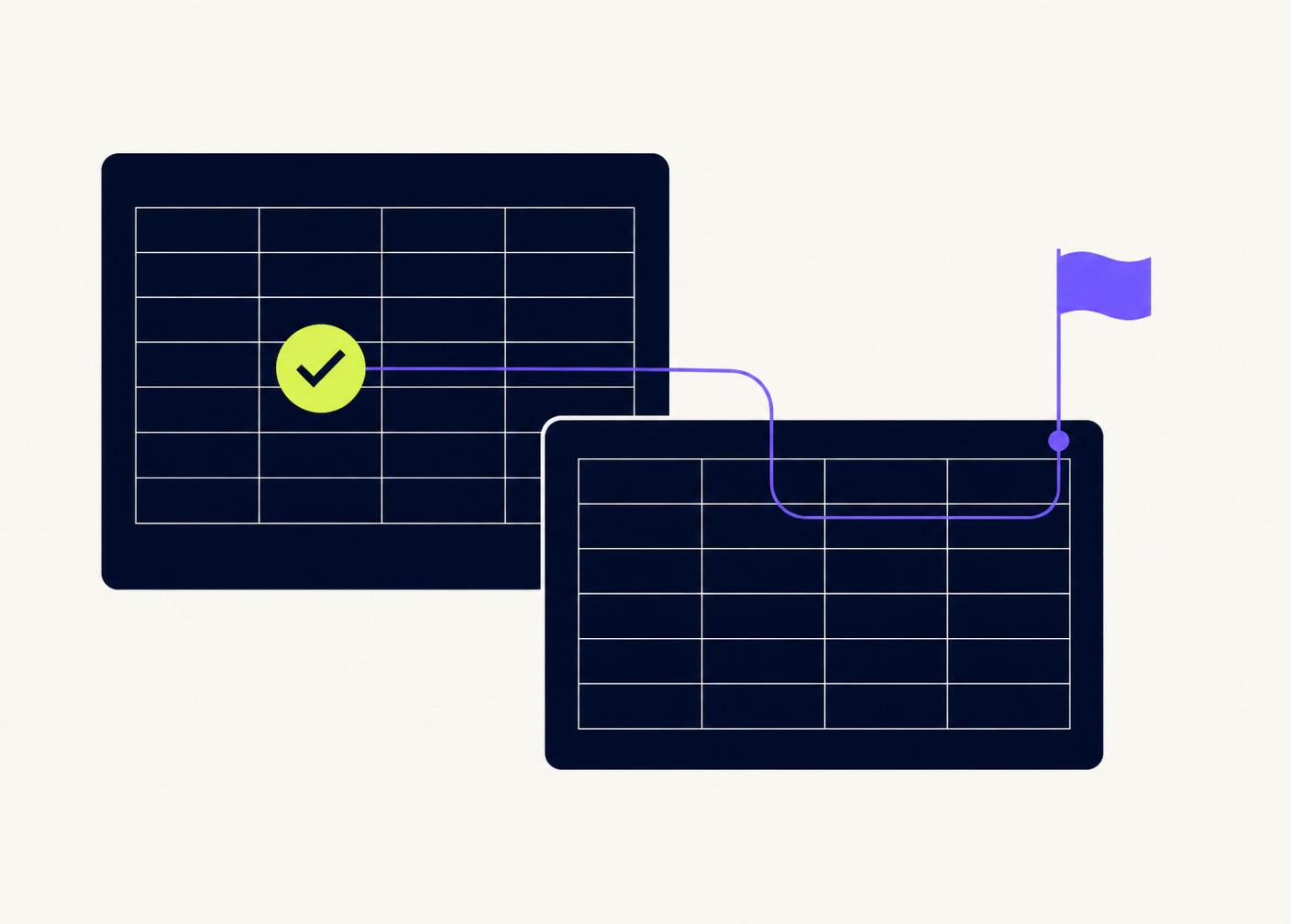
Store one line per quote in a master sheet, and one line per line item in a details sheet. Everything else — PDFs, emails, dashboards — flows from that.
The template layer
Use a Google Doc as the template. Placeholders like {{client_name}} and {{total}} get merged in by Apps Script. This keeps design work in Docs, where it belongs, and logic work in Sheets, where it belongs.
Delivery
A single button in the sheet should: build the PDF, save it to a client folder in Drive, log the send in the master sheet, and email it with a short cover message.
No copy-paste. No manual filenames. No forgotten follow-ups.
Follow-ups are automation too
The best invoicing systems don't just send — they chase. A daily script checks which invoices are overdue and sends a polite reminder. That single automation usually pays for the whole project.
Have a workflow that should work better?
Tell us what is manual, repetitive, or difficult to manage. We’ll look at what a better system could look like.
Book a free call